
Obstacle Course Runner 400 Stages
Review
Obstacle Course Runner 400 Stages delivers exactly what its name promises: a long series of platforming challenges that test timing and control. The gradual difficulty curve ensures newcomers can learn the basics before facing intricate sequences. Multiplayer mode transforms the experience into a race, adding pressure without removing the core focus on accurate jumps. The bright visuals keep the screen readable, and the lack of downloads means zero setup time. It is a dependable choice for anyone seeking a browser-based precision game.
About
Stage Design & Difficulty Curve
Each of the 400 stages presents a unique arrangement of platforms and obstacles. Early stages introduce basic movement and single jumps, while later stages combine moving walkways, narrow ledges, and surfaces that damage the character on contact. The difficulty increases gradually, ensuring players build skills before facing complex sequences. Stage selection is straightforward, allowing players to revisit any completed stage to practice or improve their time.
Controls & Movement Mechanics
Movement relies on standard keyboard inputs: arrow keys or WASD for direction, and the spacebar for jumping. A second tap of the spacebar mid-air triggers a double jump, which is essential for reaching elevated platforms or crossing wide gaps. The controls are responsive, and the character’s movement feels light, making precise positioning possible. No additional hardware or software is required beyond a keyboard and mouse.
Multiplayer Competition
Alongside solo play, the game includes a multiplayer mode where participants race through stages simultaneously. This mode adds a layer of urgency, as players must balance speed with accuracy to avoid falling behind. Competing against others can help identify areas where timing or route choice needs improvement. The multiplayer environment is accessible directly from the stage menu.
Visual Style & Accessibility
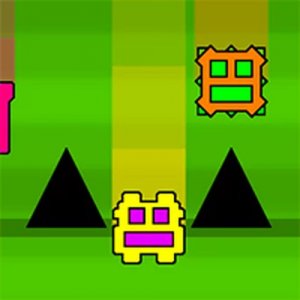
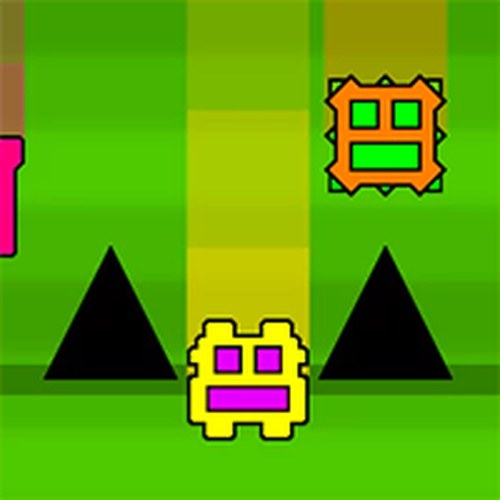
The game uses a bright, blocky visual style that keeps the screen uncluttered. Hazards and platforms are clearly distinguishable by color, which helps players quickly assess their next move. Because the game runs entirely in a web browser, there is no installation process. It works on most desktop computers without special settings, making it easy to start playing immediately.
Practice & Progression Tips
Spending time in single-player mode before entering multiplayer races is a practical way to learn stage layouts. Focusing on the double jump timing for each stage reduces the chance of falling into hazards. When a stage proves difficult, taking a short break often leads to better focus. Replaying earlier stages can also reinforce fundamental movement patterns that apply to later challenges.






Comments
Sign in to leave a review
You must be logged in before posting a review or rating.
No account? Create one
No comments yet. Be the first to comment!